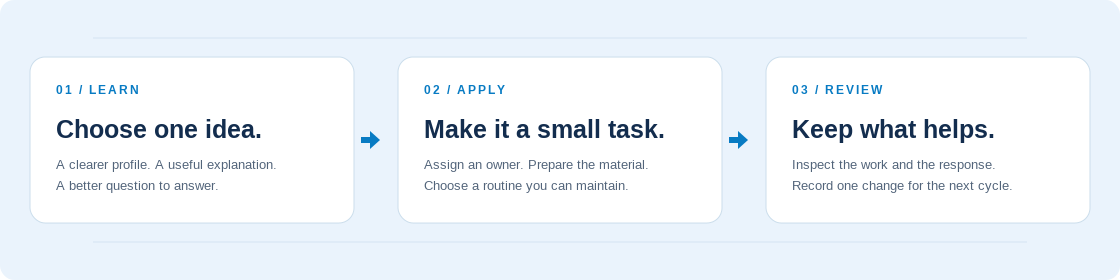
Turn your Instagram lessons into a week you can run.
Choose a clear audience, prepare useful content, make time for real conversations, and review what happened. This Instagram marketing action plan helps you put the course into practice without trying to change everything at once.
Free CSV worksheet · no email required · examples to adapt to your own account
01 / START WITH A DECISION
Choose the outcome before the activity.
An Instagram marketing plan becomes easier to use when it starts with a business question. Who should this account help, and what useful next step should that person take? “Post more often” describes work. “Help local customers understand which service to book” gives that work a purpose.
Pick one outcome for the next review period. A coach might want more relevant consultation enquiries. An online shop might want visitors to understand how a product solves a particular problem. A creator might want people to join an email list for a deeper tutorial. Your content, profile, and calls to action should make the same next step easier.
Example brief: a local ceramics studio
Audience: people nearby who want a beginner-friendly weekend activity. Offer: an introductory pottery session. Content promise: show what a first class feels like, what students make, and how booking works. Useful outcome: relevant questions and visits to the booking page. This is an example to adapt, not a claim about results.
Write the brief in a few sentences and share it with anyone helping the account. When a new idea appears, ask whether it supports that brief. You will find it easier to reject distracting tasks and make consistent choices.
02 / MAKE THE FIRST VISIT USEFUL
Give visitors a clear reason to stay.
Before preparing a full batch of posts, review the profile as if you had never seen the business. Is the account recognizable? Does the description explain who it helps? Can a visitor see the next step without having to decode a slogan? Does the destination behind the link deliver what the profile promises?
Open the link yourself on a phone. A broken booking form or a confusing landing page can waste the attention you worked to earn. Keep contact details accurate and make important practical information easy to find. If you serve a specific place or type of customer, help the visitor recognize that fit.
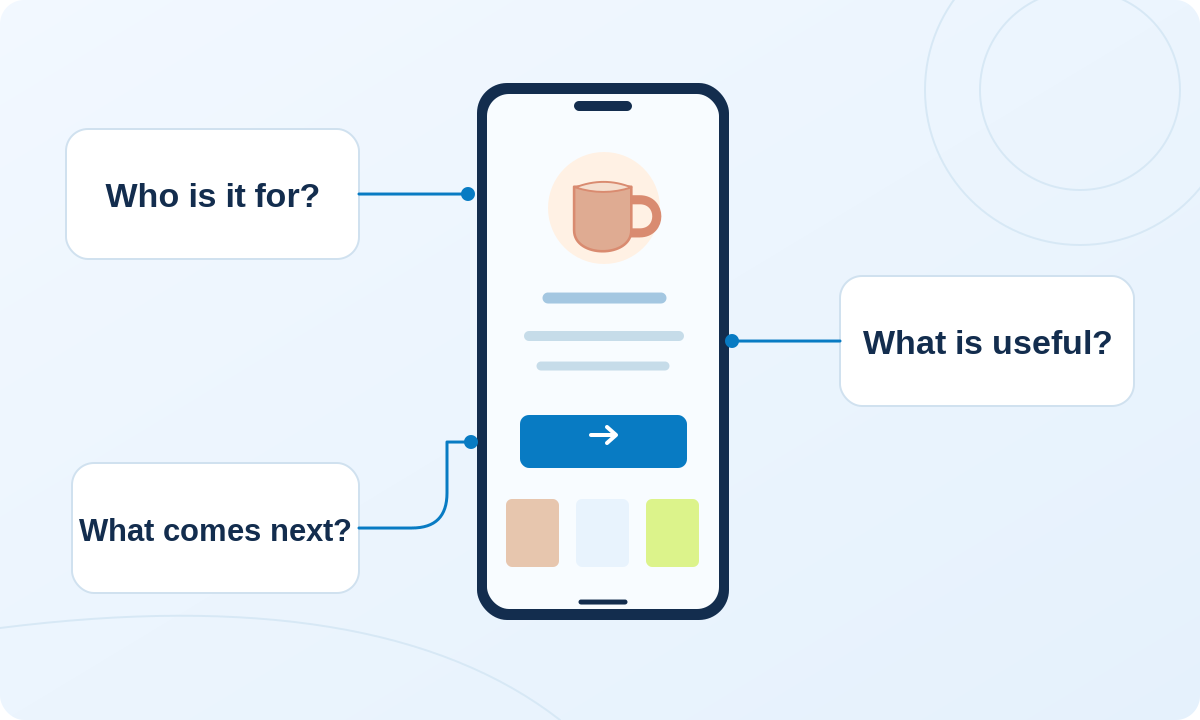
Review the profile through three questions: who it helps, what makes it useful, and what the visitor should do next.
Identity: a recognizable name and image that match the business.
Value: a short explanation of what the audience can expect.
Evidence: real examples, useful demonstrations, or answers to common questions.
Next step: one clear invitation that matches the offer.
The course’s Getting Acquainted chapter is a useful place to revisit these foundations. Use the refreshed lessons and check the current app for account-specific controls and availability.
03 / PREPARE CONTENT WITH A PURPOSE
Build a small library of useful ideas.
Choose a few recurring questions from the people you want to reach. Each question can become a helpful explanation, demonstration, comparison, or behind-the-scenes example. This gives you a repeatable source of content without requiring every post to feel like a major campaign.
For the ceramics studio, useful themes might be “what beginners worry about,” “what happens during a class,” and “how to choose the right session.” The same principle works for a service business or a product brand: make the audience’s decision easier, then give them an appropriate next step.
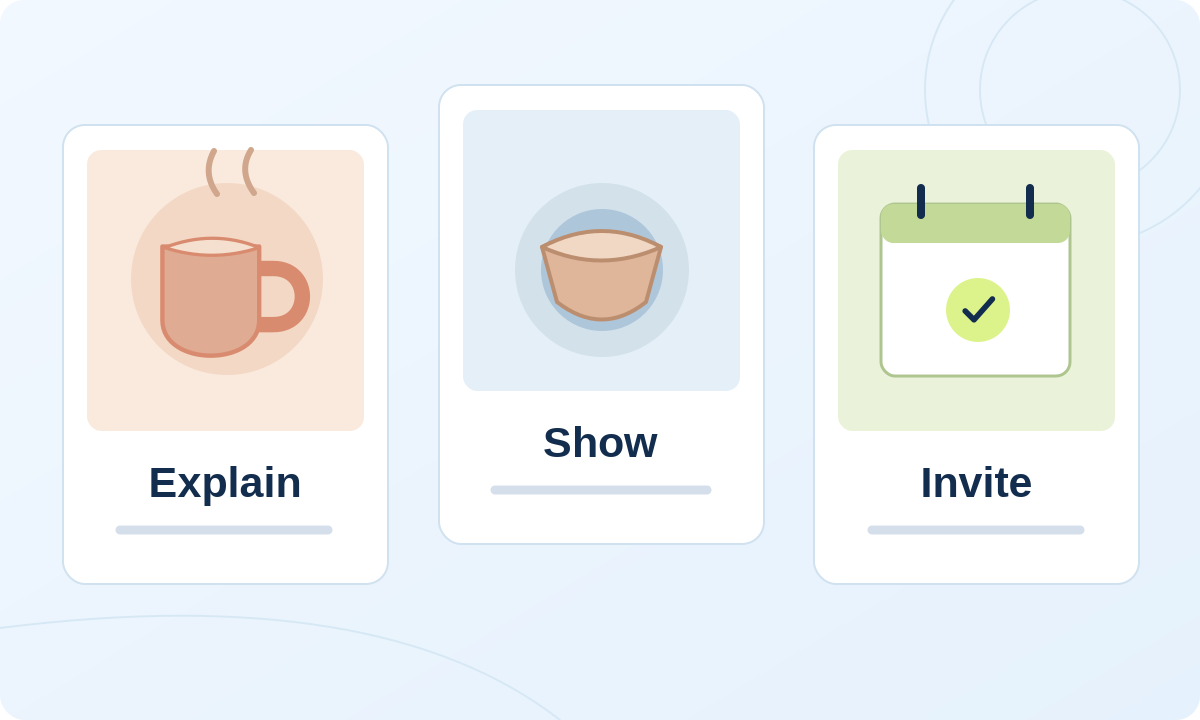
For the example ceramics studio, a useful mix could explain a beginner concern, show the process, and invite people to the right workshop.
Prepare the whole post, not just the image.
Keep the media, caption, destination, and approval status together. Decide what the post should help someone understand, what needs checking, and who gives final approval. Confirm that you have permission to use the images or video and that any customer examples are appropriate to share.
Do a final preview on a phone. Check that important text is readable, the caption sounds like the brand, and the call to action matches the destination. A prepared folder is only useful when its contents are actually ready to publish.
Plan the review and preparation work alongside publishing. A calendar filled with post titles does not tell anyone when to create the media, approve a caption, answer questions, or check results. Assign an owner to each step, even when you are the only person on the team.
The example below is an operating pattern, not a recommended posting frequency or a universal best time. Adapt the number of posts and review windows to your audience, available content, and account conditions.
Work block
Useful task
What to leave behind
Plan
Review audience questions and choose the next useful message.
A short brief with one outcome and an owner.
Prepare
Create media, write the caption, and check the destination.
Approved assets and a clear call to action.
Execute
Publish approved work and carry out relevant account routines.
A record of what ran and what needed attention.
Respond
Read actual questions and give useful, individual answers.
Resolved questions and new content ideas.
Review
Compare the work with the brief and inspect outcomes.
One change to test in the next cycle.
Make the plan your own.
The CSV includes fields for goal, content, approval, routine, review, and next action. Open it in your preferred spreadsheet app.
When plans slip, reduce the scope before adding more tools. A small amount of approved, useful work completed consistently gives you a better learning loop than an ambitious calendar that no one can maintain.
05 / KEEP THE AUDIENCE IN VIEW
Make relevance the first filter.
Useful engagement starts with understanding who is on the other side. Review a sample of the profiles or content connected to an audience source. Look for a plausible interest in the offer, the right context, and signs that the conversation belongs there. A source can be large and still be a poor match.
Keep replies to actual questions personal and accurate. Avoid treating every comment as an opportunity to paste the same sales line. If someone needs pricing details, an appointment change, or help with a problem, a person should handle the conversation with the right information.
Use comments and messages as research as well as communication. Repeated questions can reveal a missing explanation in your profile, a confusing offer, or an opportunity for a useful demonstration. Bring those observations back into the next content brief.
Keep platform rules and account conditions in the plan.
Automated likes, follows, comments, or other interactions can carry platform-policy and account risks. No fixed number of actions guarantees safety. Start with a task you understand, use appropriate controls, and pause when the account or audience response calls for it.
06 / REMOVE FRICTION DELIBERATELY
Automate a defined task, then inspect it.
Once the routine works on paper, identify the part that repeats. You might need to publish an already approved item, keep supported tasks within specified hours, or examine activity from a connected account. The useful question is which tool reduces that specific burden without obscuring responsibility.
SMTasker can support available Instagram publishing and engagement workflows through a connected Android phone or supported emulator. Configure the account, supported source, action, schedule, and limits. Keep the client running and inspect activity afterward. Your media, approvals, offer, and interpretation of results remain part of your own operating process.
For the ceramics studio, a sensible first test could be one approved publishing workflow, with the owner checking the finished post and responding to questions manually. Another business may choose a different supported task. Use a real problem from your week rather than copying a stranger’s settings.
The SMTasker workflow guide explains setup, device requirements, Skye, and a five-day trial plan. The course is free and the software is optional. You can use this worksheet with a completely manual process as well.
Publishing and completed actions tell you that work took place. They do not, by themselves, tell you that the marketing was useful. Review the response against the outcome you chose at the start: relevant enquiries, visits to the right page, sign-ups, bookings, or another observable next step.
Use your own website analytics or booking records where appropriate, and make sure links are distinguishable when you compare campaigns. SMTasker’s activity logs help you inspect execution; your marketing measurement connects that execution with business outcomes. Do not assume that a tool’s task count is a sales report.
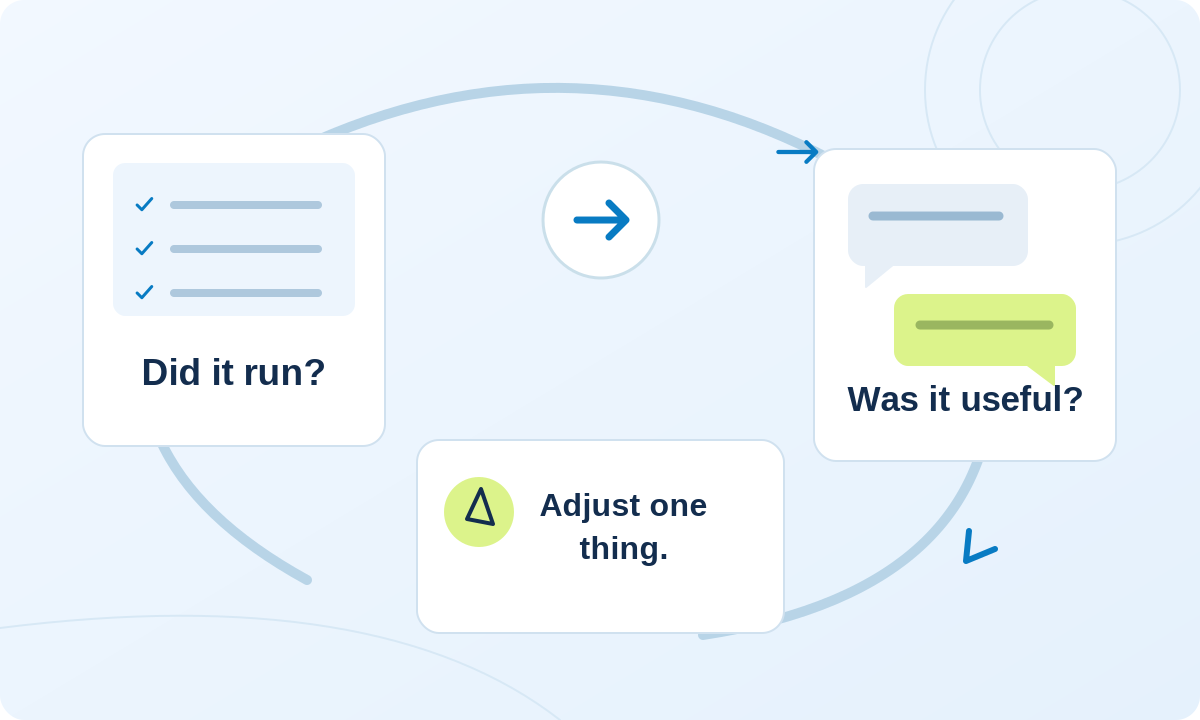
Ask four questions at the end of the cycle.
Did the planned work actually happen? Note missed approvals, disconnected devices, and tasks that needed correction.
Was the response relevant? Read the questions and conversations rather than relying only on totals.
Did the next step work? Check the destination and the experience after someone clicked.
What will we change? Pick one adjustment, record the reason, and keep the rest stable enough to learn from it.
Review execution and relevance together. Use what you learn to make one deliberate change in the next cycle.
If a post attracts attention without the right enquiries, examine the message and offer before deciding that more volume will fix it. If the routine saves execution time but creates a large review burden, simplify it. The point is to develop an Instagram marketing process that becomes clearer as you use it.
08 / KEEP IT PRACTICAL
Questions about using the plan.
Do I need to finish the whole course first?
No. Choose a relevant lesson and apply one idea. You can return to the course as a reference while developing the plan.
Is there a fixed posting schedule I should follow?
The worksheet does not prescribe one. Choose a manageable rhythm that fits your audience, content quality, account conditions, and ability to review the work.
Can a small business use this without an agency?
Yes. Assign the owner field to yourself, keep the scope small, and use the review questions to decide what deserves attention next.
Is the worksheet available without signing up?
Yes. Download the CSV directly. Course accounts and an SMTasker trial are separate choices, and neither is needed to open the worksheet.
Ready to make the routine easier?
Try SMTasker on the work you already understand.
Bring your brief, one account, and a small repeatable task. Use the five-day trial to see whether the setup fits your week.