
More time for the ideas.
Less time on repeat.
You have a content plan and people you want to reach. Give the repetitive parts of Instagram marketing a routine you can configure, inspect, and improve.
Optional companion to the free course · connected Android device required · Windows or Mac client
You set the direction.
Review the execution.
A useful strategy should be easier to carry out.
A course can help you improve your profile, choose stronger content, and understand the audience you want to reach. The practical problem starts later: an approved post stays in a folder, a routine gets skipped during a busy week, and no one remembers which settings were used last time. Those gaps make even a sensible Instagram marketing plan difficult to maintain.
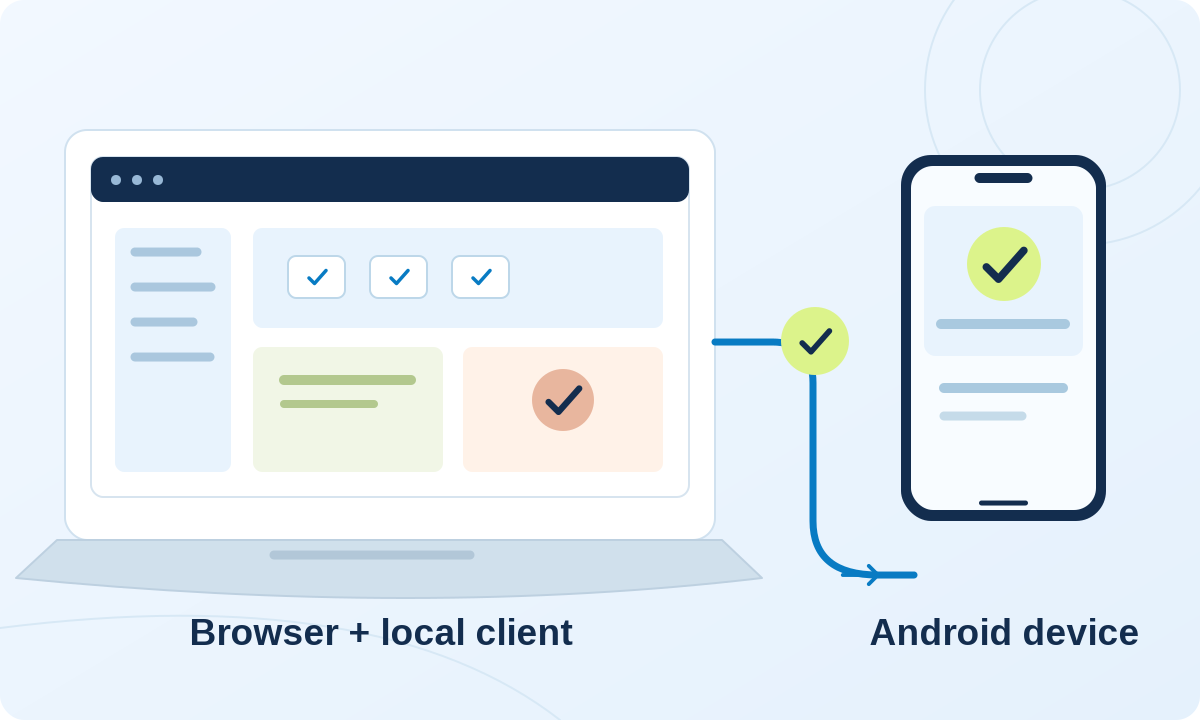
SMTasker helps organize and execute supported social media routines through connected Android devices. You choose the account, action, source, timing, and limits. Your browser dashboard gives you a place to configure the work and examine activity. The local client links that dashboard to the phone or supported emulator doing the work.
Keep the marketing decisions with your team. A tool cannot decide whether a product is useful, a caption sounds like you, or a conversation deserves a thoughtful answer. Its useful role is to reduce repetitive execution around a strategy you already understand.
A small skincare brand prepares a short product demonstration, a clear caption, and a relevant offer. The person responsible approves those materials and chooses the supported publishing workflow. Afterward, they check that the task completed and review the actual questions customers asked. The routine supports their work; the brand still owns the message.
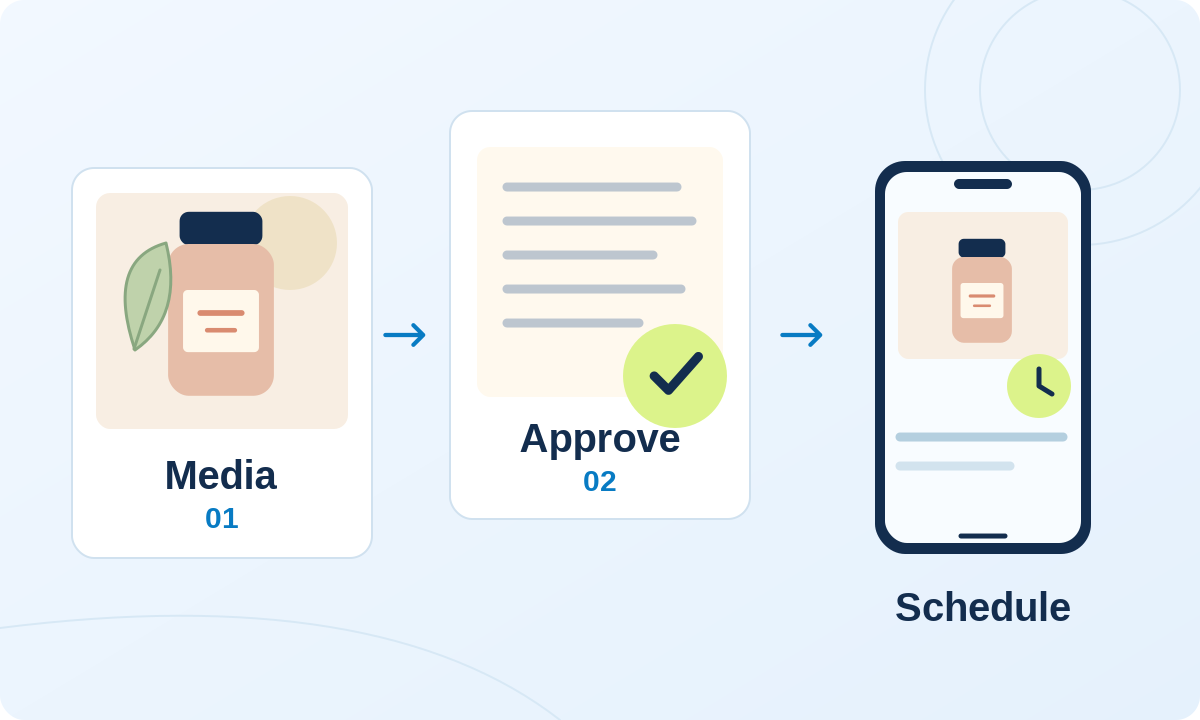
Give each course idea an operating step.
Start with the lesson that solves a real problem for your account. Then separate the decision from the repeated action. That small distinction helps you choose useful automations instead of turning on tools because they are available.
| Course idea | Your decision | A possible SMTasker role |
|---|---|---|
| Consistent content | Choose the message, media, caption, and approval process. | Prepare supported publishing tasks and their running windows. |
| Audience relevance | Define who fits your offer and inspect example profiles. | Configure a supported source and the filters available for the chosen tool. |
| Regular engagement | Choose which interaction makes sense and when to stop. | Run available likes, follows, views, or other actions with explicit limits. |
| Continuous improvement | Decide what a useful outcome means for your business. | Inspect task activity and errors; combine that with your own results review. |
Instagram tools include publishing, likes, saves, follows, unfollows, comments, messages, and Story or Reels views. The sources and settings differ by action. Use the Instagram automation hub to explore the relevant workflow before configuring it.
A useful first choice is often narrow: one account and one type of repetitive work. If the immediate problem is that approved content never gets published, solve that first. Adding unrelated engagement routines will make the experiment harder to understand.
Build a routine you can explain in one sentence.
Prepare the setup before the schedule.
Create your SMTasker account, install the local client from the account area, and connect an Android phone. The client is available for Windows and Mac; supported Android emulators are another route on Windows. Sign in to the social account on the device and keep the client running and the device connected while actions execute. The client setup overview explains how to get the download after signing in.
Write a short brief.
Record the account, the task you want to make easier, the person who approves it, and what should trigger a pause. For publishing, prepare the approved media and caption. For engagement, inspect the proposed audience source and a sample of the profiles it contains. Do not assume that a large source is a good source.
Set boundaries before starting.
Select the supported action, active days, running hours, and a modest limit appropriate to the account. Review the available filters and timing settings. Keep the first test small enough that you can inspect what happened without losing an afternoon. There is no universal action count that guarantees an account will be safe.
Review the activity, then decide.
Check completion, errors, and any unexpected account messages. Compare what ran with the brief. If the source is irrelevant or the setup behaves differently from what you intended, pause and correct it. Only repeat the routine when you can explain why it helps.
Automated interactions may conflict with Instagram’s rules or lead to account restrictions. Limits and review give you operating controls; they do not remove that risk. Keep replies and sensitive conversations under human supervision.
Use the five-day trial to answer a useful question.
The useful question is whether SMTasker fits the way you work. Five days is enough to inspect setup and execution; it is not a sound basis for promising a certain sales result or follower increase. The trial provides access to the supported platforms and automation tools on the trial device, so choose a task that represents the work you would actually keep.
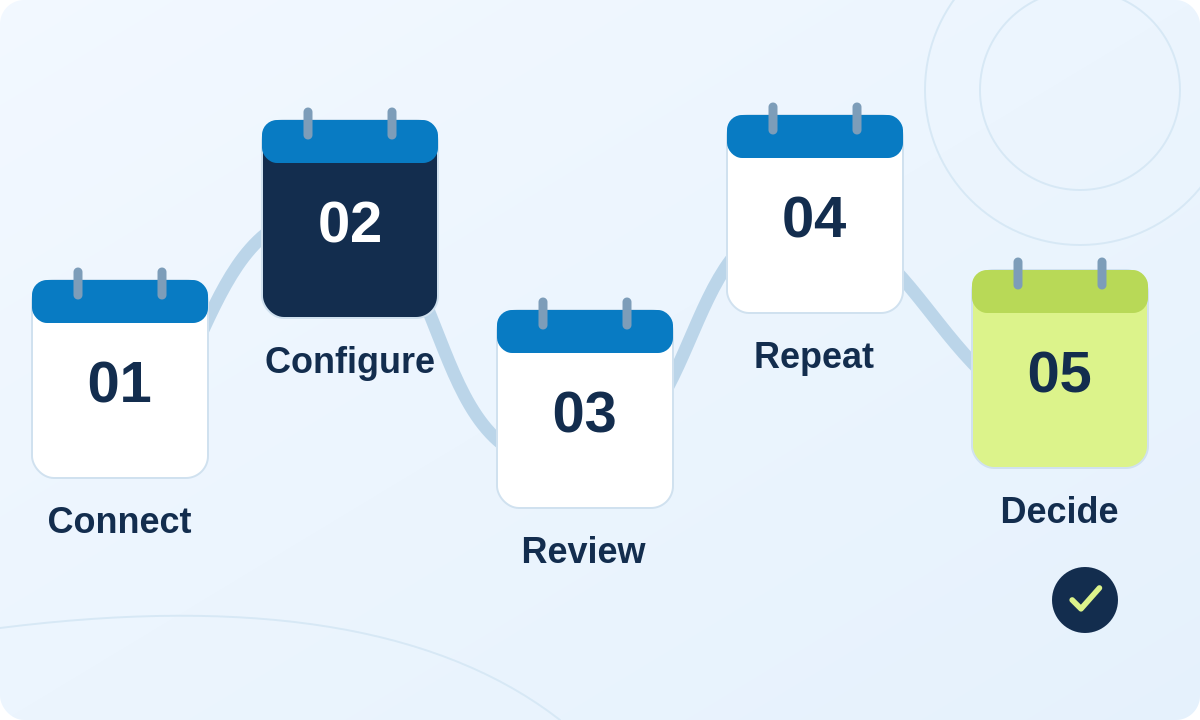
Day one: connect one device, confirm the account, and record how you currently carry out the task. Day two: configure the smallest useful publishing or engagement routine and inspect its settings. Day three: review activity and fix any source or scheduling problem. Day four: repeat the corrected setup without adding more variables. Day five: decide whether the routine is understandable, useful, and worth maintaining.
Measure setup effort and ongoing review time alongside completed work. Also record exceptions: a disconnected device, content that needed a manual correction, or an audience source that required more attention. Those notes make a purchasing decision more useful than a screenshot of a busy activity counter.
Our weekly Instagram action plan includes a downloadable worksheet you can use before and during that test. Keep the same goal and owner throughout, so you can tell whether the routine reduced friction.
Work manually, or ask Skye to prepare the settings.
You can configure supported tools yourself. Skye AI Manager is available when you want help preparing settings, sources, schedules, or limits from a request written in everyday language. Inspect the proposed changes before applying them, then review activity after the routine runs.
A useful request is specific: name the account, explain the task, state the days you want it to run, and ask to review the settings. A vague instruction such as “grow this account” gives you much less to evaluate. The same brief is useful whether a person or Skye prepares the setup.
Skye requires your own OpenAI or Anthropic API key, and that provider bills AI usage separately. Manual setup does not require an AI provider key. See the Skye overview if AI-assisted configuration is part of your decision.
Pay for the device setup your routine needs.
Before choosing a subscription, count the connected Android devices or emulators you expect to use and check the account capacity of the plan. Start with the work you can supervise. More capacity is useful when it serves a real operating plan and someone is responsible for reviewing it.
SMTasker offers ready-made plans and a Custom builder for an exact device count. The pricing page shows current prices, account limits, billing choices, and the cost for your selection. Check that page before purchasing rather than relying on an old course reference to JARVEE pricing or software.
The Instagram Authority course stays free. Buying SMTasker is not a course requirement, does not replace quizzes, and does not award a completion certificate. Choose the software because the workflow helps you, independently of the learning path.
Questions from course learners.
Can I use the course without SMTasker?
Yes. You can learn the strategy and apply the exercises manually. SMTasker is an optional product for supported repetitive tasks.
Is this a new name for the old JARVEE desktop setup?
SMTasker uses a connected Android device or supported emulator with its local client and browser dashboard. Follow the current SMTasker setup guides and review the refreshed Automation & Workflow chapter. Verify each supported action and the actual result.
Will automation guarantee more followers?
No. Account conditions, audience fit, content quality, your offer, and platform rules all matter. Evaluate whether the tool helps you run useful work consistently and whether the account response supports continuing.
Can I use it for social platforms besides Instagram?
Yes. SMTasker supports multiple platforms, with different tools available for each. The features page lists the current platforms and representative actions.
Give your Instagram plan
a practical next step.
Connect one device, configure a task you understand, and see whether SMTasker makes the repeatable work easier.