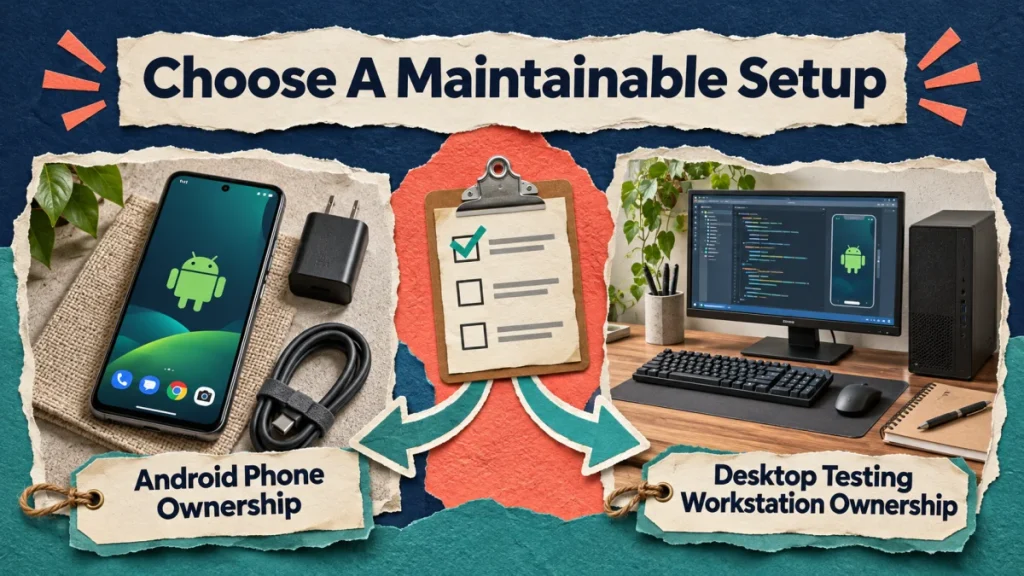
Choosing between a controlled Android phone and an emulator is an operating decision, not a promise about account acceptance. Start with the task and its authorization. Then compare what the team must maintain, supervise and recover in each setup. A technically successful demonstration is only one part of that comparison.
Android device control and an emulator are different operating setups with different maintenance needs. Neither setup guarantees platform permission, account safety or permanent compatibility. Choose from the supported task, equipment, supervision and recovery requirements of the actual project rather than an “undetectable” automation promise.
Describe the task without naming the equipment
Write the required input, expected result and responsible account owner. Be precise: reviewing an approved media file is different from publishing it, and navigating an interface is different from submitting a comment. Identify which steps affect public content or account settings. Those steps need deliberate authorization and verification, regardless of how the device is controlled.
Check whether a native feature or current official integration already supports the task. If it does, include that route in the comparison. An emulator or physical control layer adds maintenance work, so there should be a concrete reason to use it. Do not assume that a sophisticated setup is necessary simply because the task is repeated.
Understand the two environments
Android’s emulator provides a virtual Android testing environment on a computer. A physical device is separate hardware with its own battery, connection and local state. Both can be useful in appropriate projects, but they fail in different ways. A host computer problem can affect a virtual environment, while a cable or charging fault can interrupt a physical device.
Android Debug Bridge provides communication with devices for development and debugging. Its documented authorization mechanism is a technical access control. Enabling that access does not grant permission from Instagram for every activity performed through it. Keep device authorization, account-owner consent and platform requirements as separate checks in the project record.
Compare maintenance against the actual workload
For a physical setup, list storage, suitable charging, physical inspection, cable management and a named operator. For a virtual setup, list host capacity, software updates, environment configuration and recovery from host failure. Avoid treating either list as complete for every organization. Ask the person who will maintain the equipment to review the proposed workload.
Record the expected state before a task begins: intended device, account, application and relevant screen. Note how an operator confirms that state. A phone can be connected while showing the wrong account, and a virtual environment can start successfully while lacking the required application state. Connection is not proof that the business task is ready.
Use a bounded comparison with clear checkpoints
Choose a harmless, explicitly authorized test that can be inspected without making unintended public changes. State its boundaries in advance and keep submission steps separate. Run the same useful check in both candidate environments where appropriate. Observe setup time, operator attention, interruptions and the quality of evidence available when something fails.
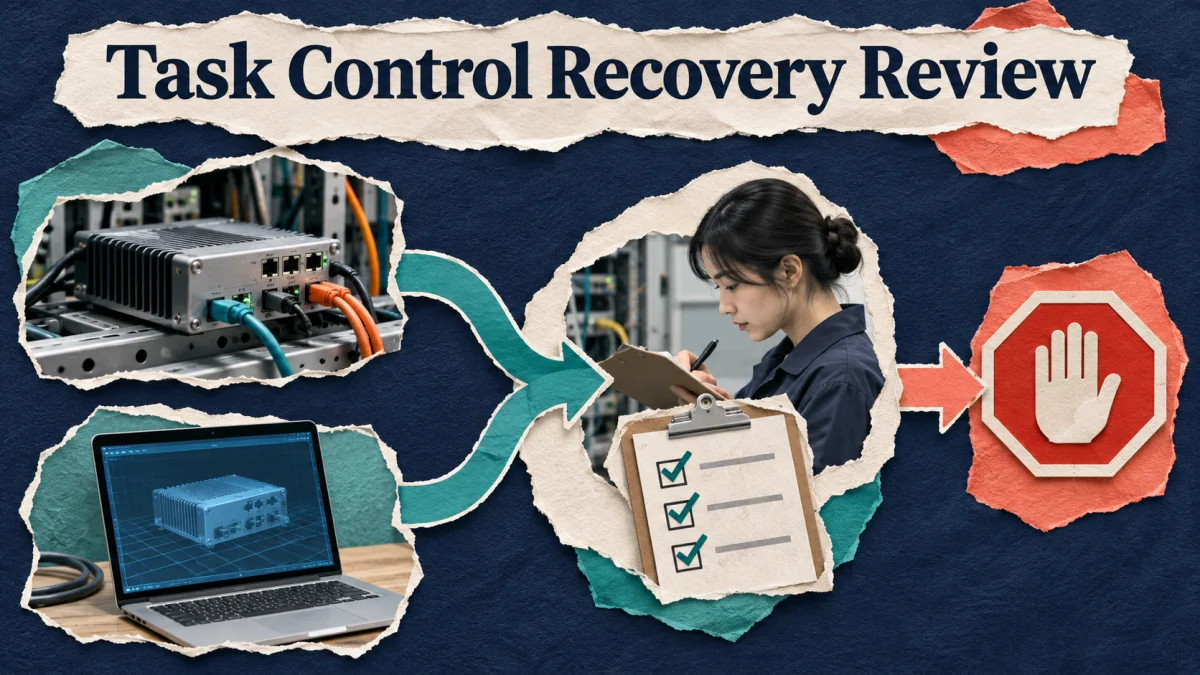
For a hypothetical internal test, the expected result might be opening an approved local media asset and confirming its identity. One environment may require a manual reconnect after an interruption; the other may need a host restart. Those observations describe this test. They do not establish that either environment is universally more reliable or endorsed for a social-platform workflow.
Test the stop and recovery procedure
Introduce a safe failure condition, such as an unavailable test asset, and confirm that the workflow stops rather than tapping through an unexpected screen. Assign the person who investigates the failure. Keep the pause state visible so another operator does not restart the task while the first is reviewing it. Test the manual alternative before depending on the setup for client work.
Recovery should return to a known state, not merely reconnect the hardware. Confirm the selected account and whether any consequential action already happened. A lost connection after a submission creates uncertainty; repeating the action blindly can create duplicates. The runbook should describe how an authorized person checks the result before deciding what to do next.
Keep access and evidence proportionate
Allow control only to approved operators and workstations. Treat debugging access and remote-control software as access that needs ownership and removal when no longer required. Keep account secrets, verification codes and recovery material outside ordinary task logs. Screenshots should show the symptom needed for review without collecting unrelated messages or private customer details.
Give each environment a clear identifier in the operating register. Record its purpose, owner, software state and review date. Do not store exported session material as a convenient handoff. A replacement operator needs approved access and a clear responsibility, not a copied bundle of secrets whose origin is difficult to audit.
Choose from the full operating cost
Compare the time needed to supervise a successful task, investigate a failure, maintain the setup and return it to service. An environment that starts quickly but fails ambiguously may cost more operational effort than a slower one with clear checkpoints. Use observed figures from your own test rather than invented industry benchmarks.
Write a short decision note naming the selected route, its permitted scope, the unresolved limitations and the review trigger. A software update, new feature requirement or changed account arrangement may justify another comparison. The useful outcome is a maintainable workflow with an accountable operator and a safe stopping point, not a claim that a particular device arrangement makes activity invisible.
Compare two supervised setups
Consider this illustrative example. An agency compares one authorized device setup with an emulator for a repetitive internal workflow. It measures supervision and maintenance time as well as successful execution. A setup that runs once is not automatically suitable for unattended client work. The decision includes a clear owner and a way to stop when the interface or account state changes.
Equipment and recovery checklist
- Define the task. Write what must happen, which account owns it and whether a native feature or official integration already fits.
- Check the setup. Confirm supported software, device authorization and the practical requirements of a phone or emulator.
- Protect access. Limit control to authorized operators and keep recovery information outside ordinary task notes.
- Test a bounded workflow. Review the actual result and the pause or recovery process before expanding.
Record the chosen environment, its authorized task and the person who can stop it in the Instagram marketing action plan. Keep the comparison notes, failed-test observations and recovery decision with the operating brief. When revisiting the free Instagram course preview, use this same task to check whether the method still serves the account’s actual purpose. Reassess the setup when maintenance needs or required features change, rather than treating one successful demonstration as permanent approval.
Official reference
Android Developers: device communication and authorization. Check current account guidance. Operating exercises above are practical suggestions.