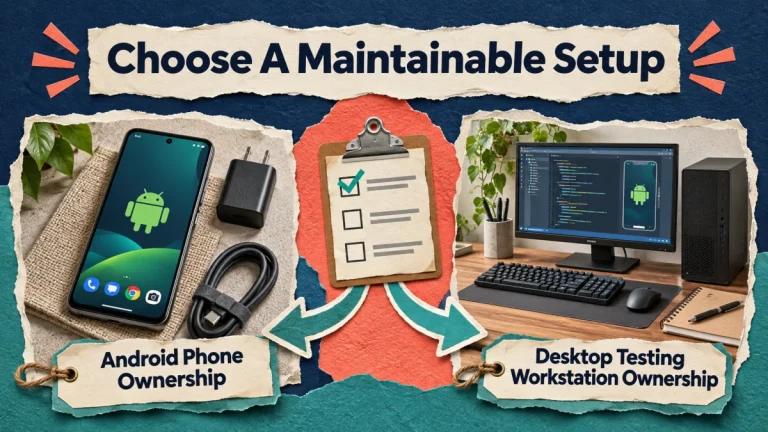
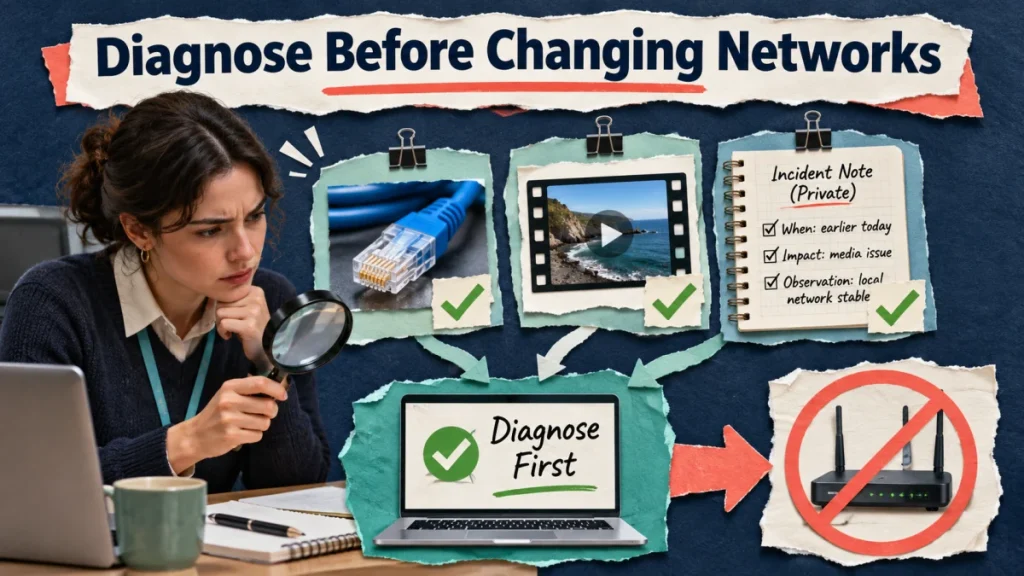
An upload that fails during an office outage and a notice restricting an account can look equally urgent to a busy operator. They need different responses. Write down the visible symptom, establish which part of the workflow failed and test ordinary approved connectivity before adding a network service to the system.
A network error, login challenge and account restriction are different observations. A mobile or residential address does not guarantee acceptance, and a datacenter address does not establish that every action will be blocked. Start with the actual symptom and approved connectivity rather than buying infrastructure to solve an assumed cause.
Preserve the message before changing the setup
Record the time, affected task, selected account and exact wording shown. Take a suitably redacted screenshot if it helps, avoiding passwords, codes, private messages and unrelated customer information. Note whether the failure happened before sign-in, while selecting a file, during transfer or after submission. That sequence often narrows the investigation more than a general report that Instagram is broken.
Ask whether the problem is reproducible without repeating a consequential action. Opening an approved page is different from resubmitting a post. If the submission state is uncertain, inspect the actual account before trying again. A lost acknowledgement can leave a successful post behind, and an automatic retry may create a duplicate rather than solve connectivity.
Establish the ordinary network state
Confirm the device is using the intended approved connection. Check whether other necessary services work and whether the organization’s network team has an outage report. Keep these tests proportionate: you do not need to expose client traffic to a new provider merely to discover that the office router is offline.
Separate a single-device problem from a wider connection problem. If one phone cannot reach several services while other approved equipment works, inspect that device’s connection through the normal support process. If all office equipment fails, investigate the shared network. Neither observation identifies the private logic behind a social-platform decision, but each gives the right technical owner a useful starting point.
Verify the asset and application
Open the intended media file locally. Check that it plays and that the editor exported the approved version. A damaged or incomplete file cannot be repaired by changing the network address. Confirm relevant app and device versions, available storage where appropriate and any explicit upload guidance shown by the interface. Apply updates through the normal maintenance process rather than changing everything mid-incident.
Record one plausible change at a time and its effect. If the local file fails to open, return to the source project. If it opens but transfer stalls during a verified outage, treat that as a connectivity investigation. If the app accepts the file and shows a content decision, preserve that decision and move to the relevant account process.
Keep security and account notices separate
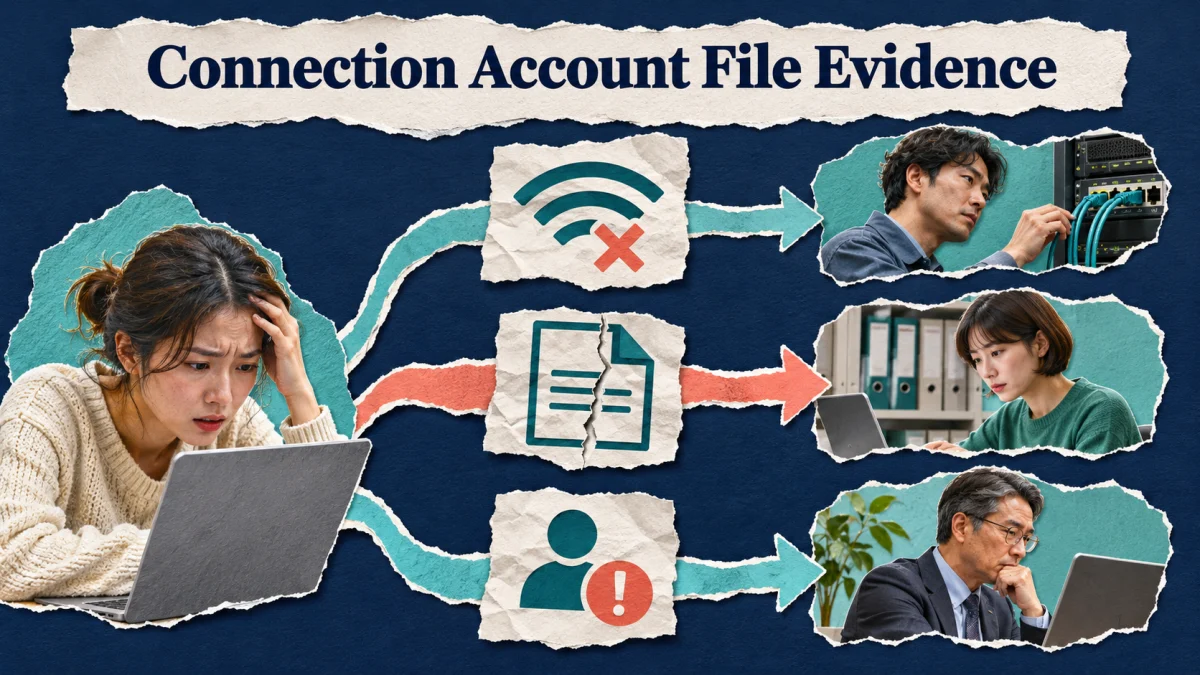
A login challenge asks for an authorized recovery or verification response. An explicit action restriction asks for review of the affected routine and the available platform guidance. Neither should be reclassified as a bad network address simply because a forum recommends buying a proxy. Follow the message actually presented through a legitimate interface.
Do not keep repeating the action to see whether the notice disappears. Pause the affected queue, notify the accountable owner through the agreed internal process and record what remains available. A public-content task can wait while the owner handles a security event. Technical connectivity recovery does not supply permission to resume a restricted action.
Evaluate a proposed network change against evidence
If the organization has an approved backup connection, document why it is being used and what it should restore. A verified office outage is a concrete reason. Claims that a particular address category guarantees acceptance are not a diagnosis. A provider can also introduce new security, support and data-handling responsibilities that deserve review before use.
Ask what outcome would count as resolving the connection problem. Perhaps the device reaches required services and an approved test transfer completes. That does not prove that every future account action will succeed. Keep the scope of the conclusion aligned with the test instead of converting one successful upload into an infrastructure guarantee.
Route the case to the owner who can act
Give the network provider or IT team the connection evidence. Give the editor the damaged-file evidence. Give the authorized account owner the explicit security or account notice. A short timeline with versions and observed results is more useful than a long speculative description of address reputation. Include changes already made so another person does not repeat them blindly.
Close the record with the actual correction and a verification step. If the office network recovered and the upload completed, say that. If the account notice remains unresolved, leave that item open separately. The practical benefit of diagnosis is a focused repair and an accurate update, even when the incident has more than one cause.
Classify a failed office upload
Consider this illustrative example. A team sees an upload fail while the office connection is unstable. It confirms the file and network before changing account settings. Buying a new proxy would not fix a damaged export or an explicit content restriction. The issue log keeps the evidence and the actual correction rather than assigning every failure to an IP reputation theory.
Network diagnosis checklist
- Record the symptom. Save the exact message, time and action without exposing credentials or recovery codes.
- Check ordinary connectivity. Verify the intended network and whether other necessary services work normally.
- Review account notices. Separate an explicit security or account decision from a connection failure.
- Use appropriate support. Follow the platform, network provider or organization’s guidance for the identified problem.
Add the symptom categories and their responsible owners to the Instagram marketing action plan. Keep the exact message, approved connectivity checks and actual correction in the incident record, without secrets. Use the free Instagram course preview to review the visitor journey separately if the account works but the destination does not. That distinction helps the next operator choose network support, media repair or account review from evidence instead of buying another service on an assumption.
For a useful handoff exercise, ask a colleague to classify three notes: several services fail on the office connection; one exported file fails locally; the app shows an explicit account notice. They should assign these to network support, media repair and authorized account review respectively, while acknowledging that an incident may contain more than one issue. If the same proposed proxy purchase appears in all three answers, the diagnosis is too broad. Revise the runbook so evidence selects the next owner, and keep an approved backup connection as a continuity option for genuine connectivity failures.
Official reference
Instagram: account security and official recovery. Check current account guidance. Operating exercises above are practical suggestions.